 CueCart
 Your CueCart account
Understand the current web account page and where to manage your licence.
Account & Help · Updated 2026-09-09
CueCart runs and plays entirely offline — but the bits that surround your purchase live around your account email, licence and support history.
The current web account page
Your CueCart account area lives at cuecart.app/account. It is separate from the desktop app: nothing on the web account page affects playback, and you never need it open to run a show.
Today, web account self-service is still being brought online. The account page shows that state plainly and points you back to the desktop app for licence management.
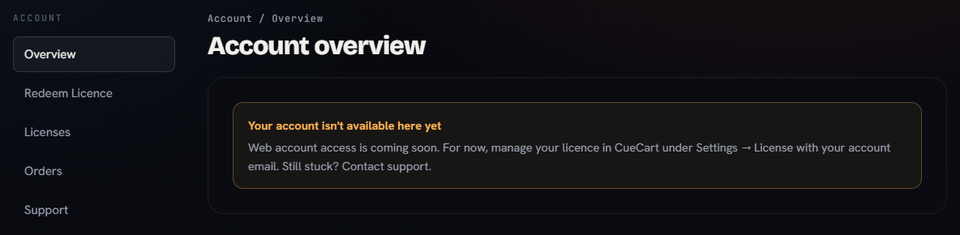
The current account page: web access is coming soon, with desktop licence management still in CueCart.
Managing your licence today
For now, manage your licence in the desktop app:
- Open Settings.
- Go to License.
- Use the email connected to your purchase or trial.
When the trial ends
Your 30-day free trial starts the first time you run CueCart, with every feature unlocked. When it ends, the app shows a full-screen prompt to activate — your cue to enter a licence and carry on.
Nothing you built during the trial is lost. Your sets, banks, cues and settings are all kept, exactly as you left them — activating simply unlocks the door again.
For the full picture on trials, activation and moving between machines, head to Licensing & activation.